
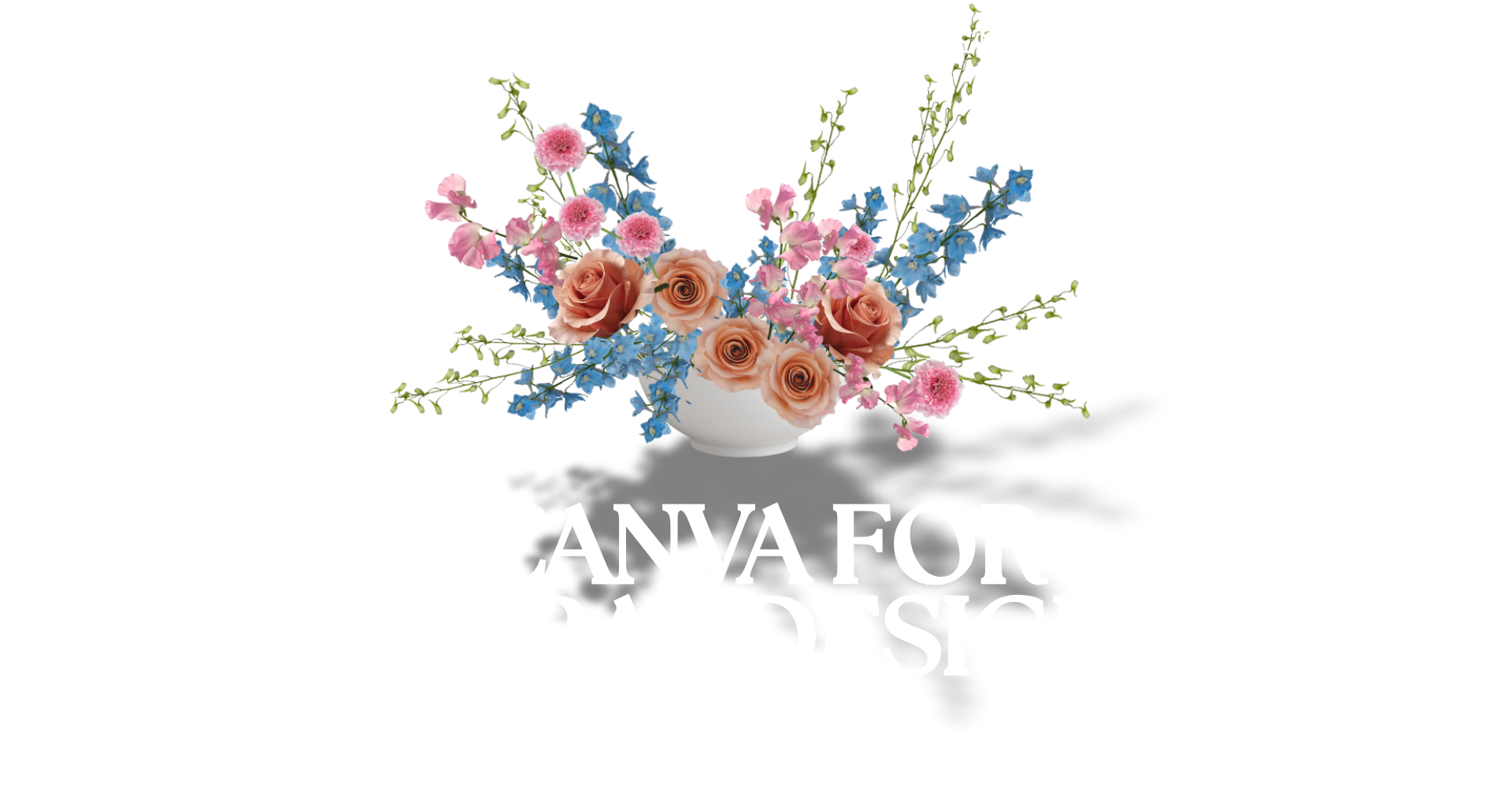
Build client-winning 2-D mockups that translate to real-world floral sales.
You’ve got the eye.
You’ve got the vision.
What you don’t have is time (or budget) to keep “practicing” on product or the patience for fussy design software.
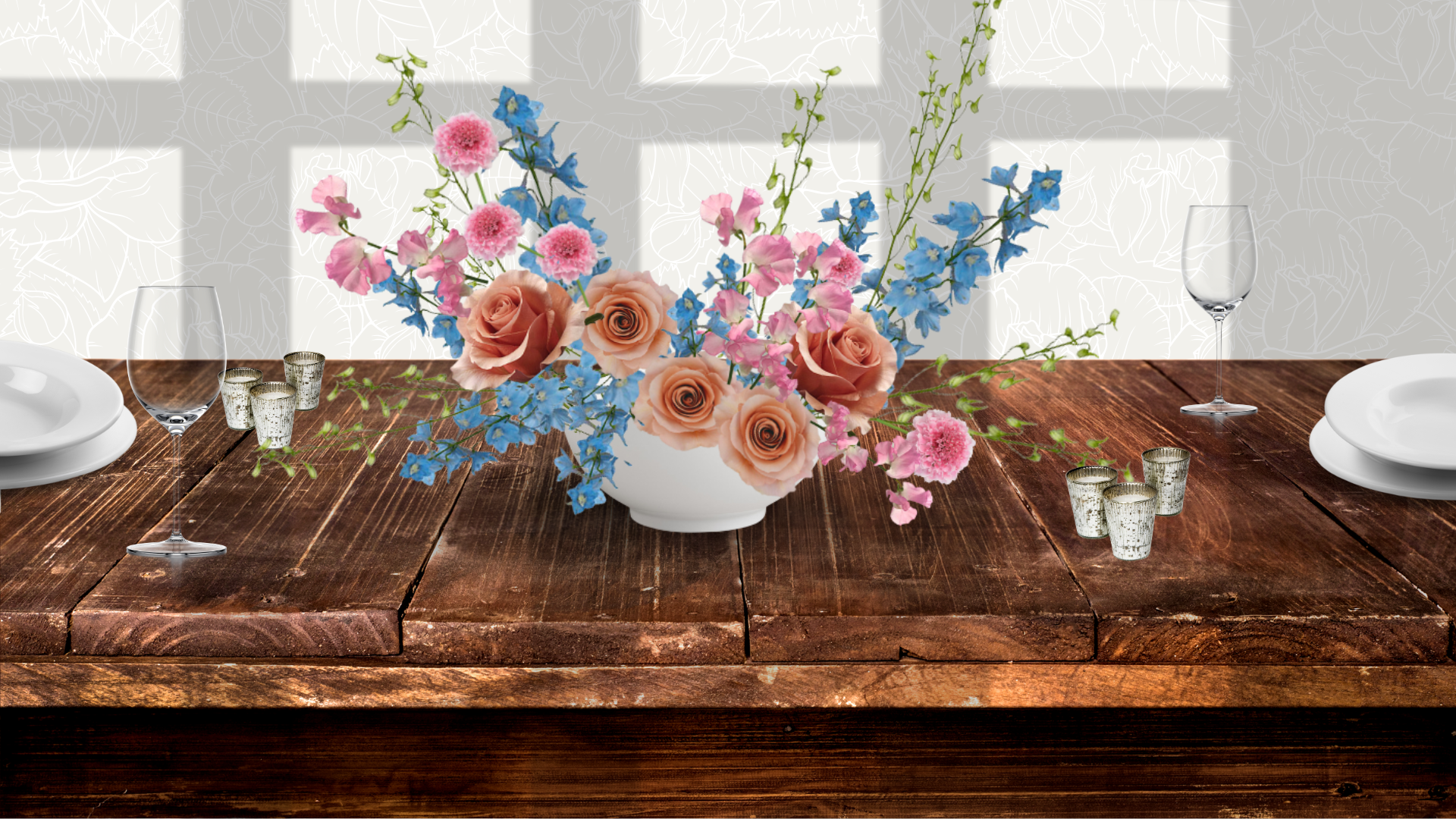
Canva for Floral Designs shows you, step by step, how to design clean, realistic 2-D mockups that sell your concept fast and map cleanly to your 3-D designs on the table, arch, or aisle.
Canva for Floral Designs helps you think and plan your designs more strategically, way before you even place your flower order!
-
Fewer revisions, faster yes. Clients see the actual shape, palette, and scale—no more “I can’t picture it” emails.
-
Practice without burning product. Explore ingredients, angles, & color stories digitally—then buy confidently.
-
2-D to 3-D without the guesswork. We’ll show you how to avoid impossible bends, scale vessels realistically, and place stems the way you would in real life.
-
Brand-level polish in minutes. Background Remover, Brand Kit, photo-based color matching, and simple shadows make everything look intentional, not “drag-and-drop.”
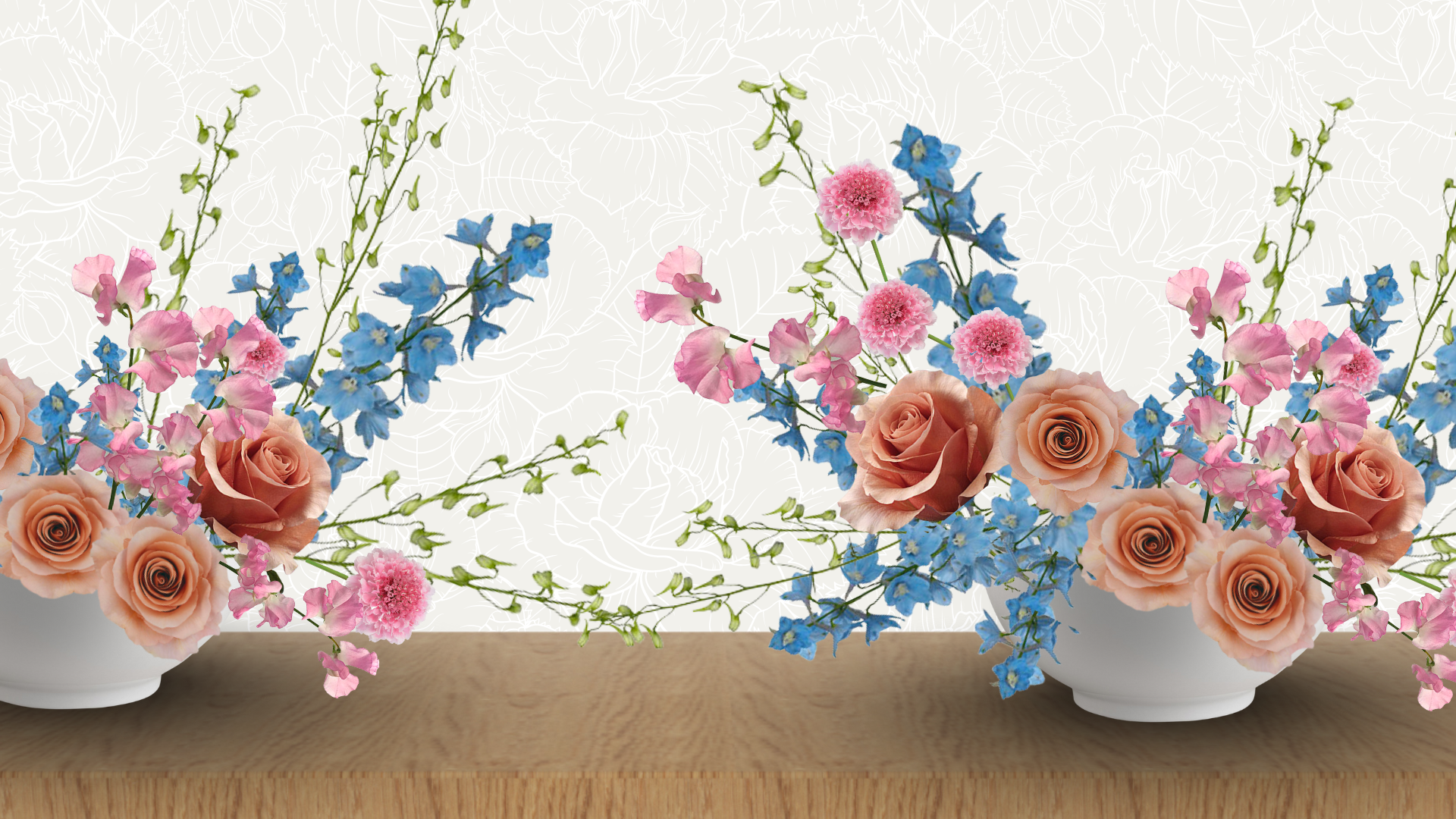
I'm sharing my exact process for mapping out a floral design in Canva. In this course, I show you everything from my flower-image sourcing process to designing a mockup I can present to a client.
My friend and graphic designer, Nicole Edwards walks you through tips, tricks, and a template to quickly create a Vision Board presentation to wow your clients.
You'll get the exact clicks, the right features (and the ones you can ignore), and the small, but impactful design moves that make your mockups look luxe and believable (without you becoming a graphic designer).
What You'll Learn (And Actually Use)
-
A Mockup Workflow, Start to Finish: From blank canvas to grouped, move-proof design ready for print, PDF, or sharable live link.
-
How to Find Vessels & Surfaces that Look Real: Isolate bowls/compotes, add wood or linen surfaces, create believable shadows & depth.
-
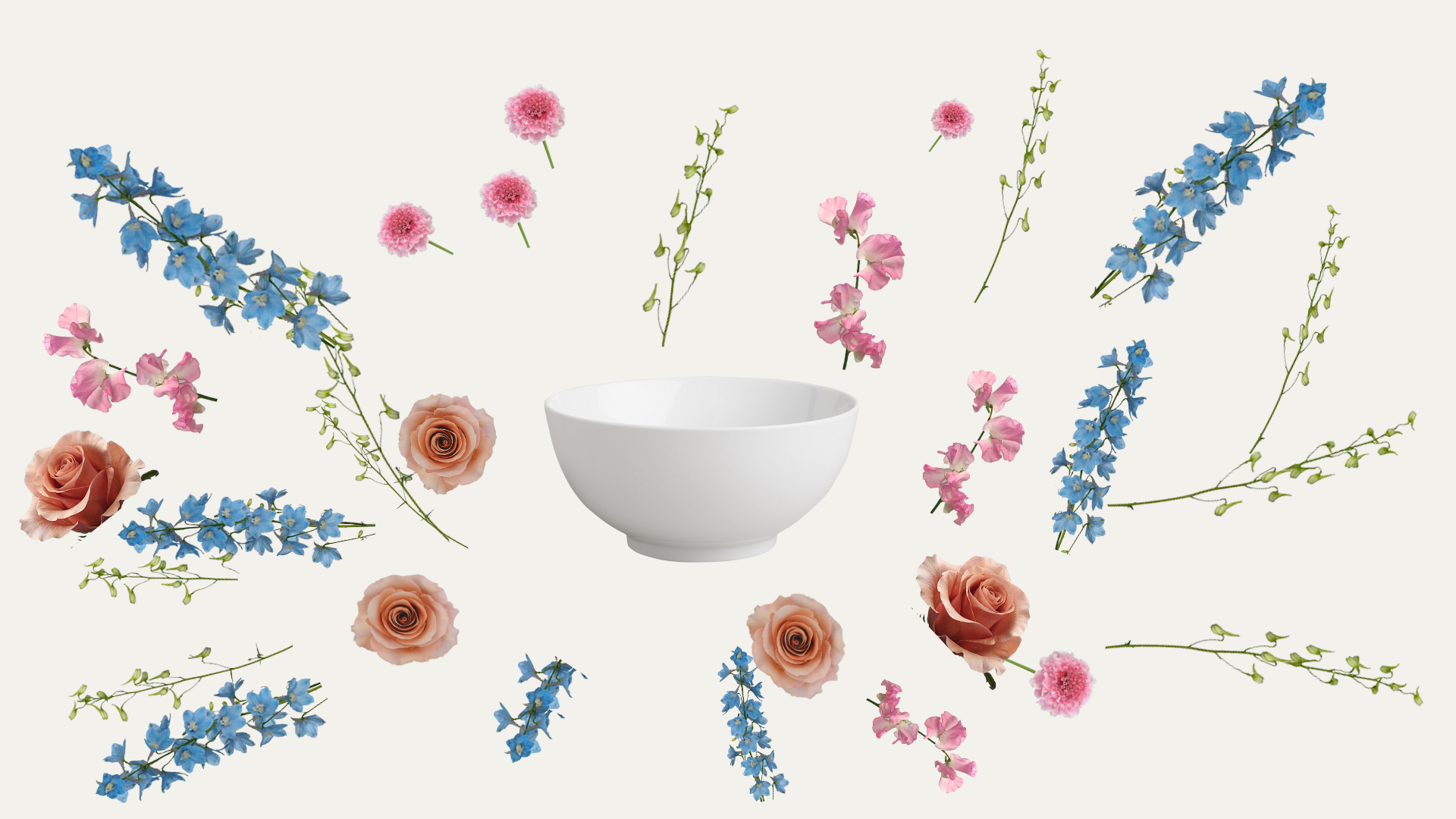
Ways to Design with Stems that Behave Like Stems: Clean extra bits with Magic Eraser, flip/rotate for natural movement, and tuck cut points behind layers so nothing looks “stickered on.”
-
Amy's Tricks for Composition That Sells: Place line flowers first, cluster accents, manage negative space, and bridge “holes” with small color nubbins—just like at the bench.
-
How We Use Scale & Proportion (Goodbye, Giant Vase): Show true-to-life size on an 8' table so expectations and budgets match.
-
How to Create Palette Harmony in One Click: Pull text and accent colors from your floral photos for instant cohesion.
-
Simple Ways to Prepare Proposal-Ready Covers & Slides: Build an on-brand vision board or centerpiece page you can duplicate for any client using our template as a starting point.
-
Build Your Own Reusable Stem Library: Do the background removal once; reuse your cleaned stems forever (hello, speed).
Who This is For
-
Floral designers who want client-ready visuals without learning “real” design software.
-
Pros who are tired of unclear approvals and want a faster, clearer sales process.
-
Designers who want to stretch creatively (new shapes, palettes, installs) without burning through product.
-
Studios building a reusable asset library to speed up proposals and keep branding consistent.
Plus, Get These Templates!
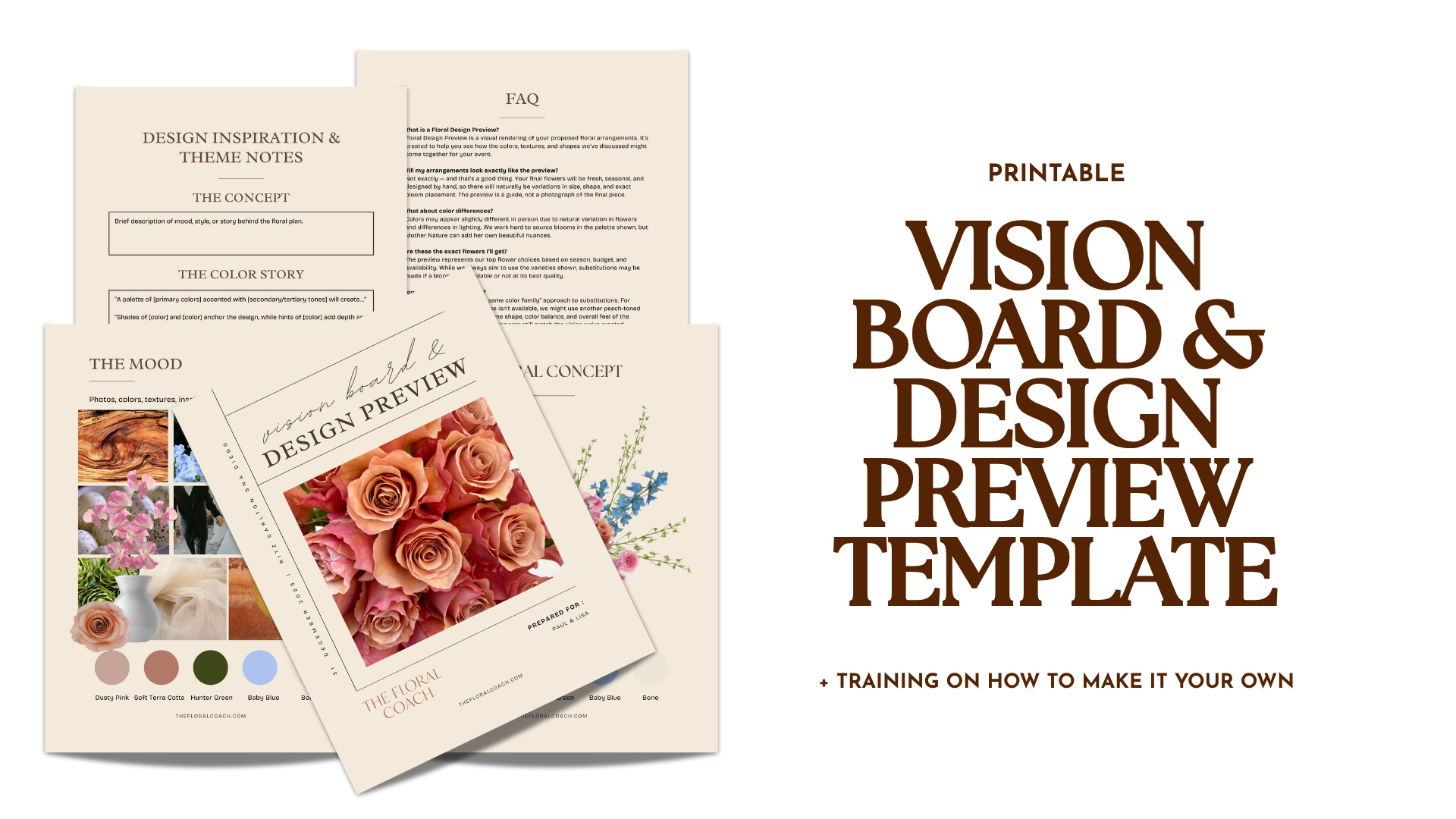
Use this polished template to create your own Vision Board and client presentation. Nicole walks you through a quick and easy training on customizing the content using this templatewith your mockup.
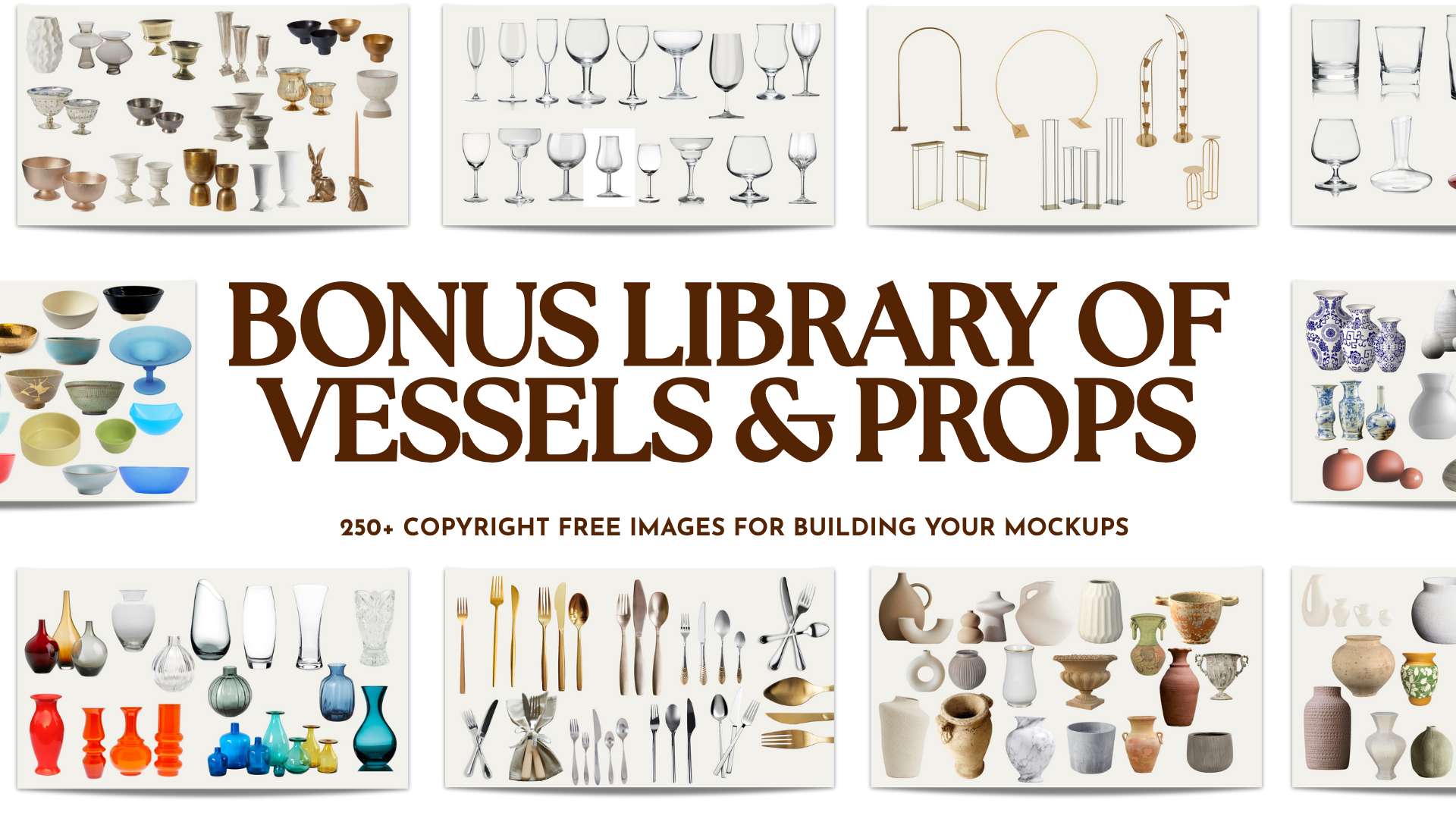
We're handing over our very favorite vessels and decor library! Use any of the over 250 items to add gorgeous details to your proposals and presentations. These are here to help set the scene for your design and give your client a fuller picture.
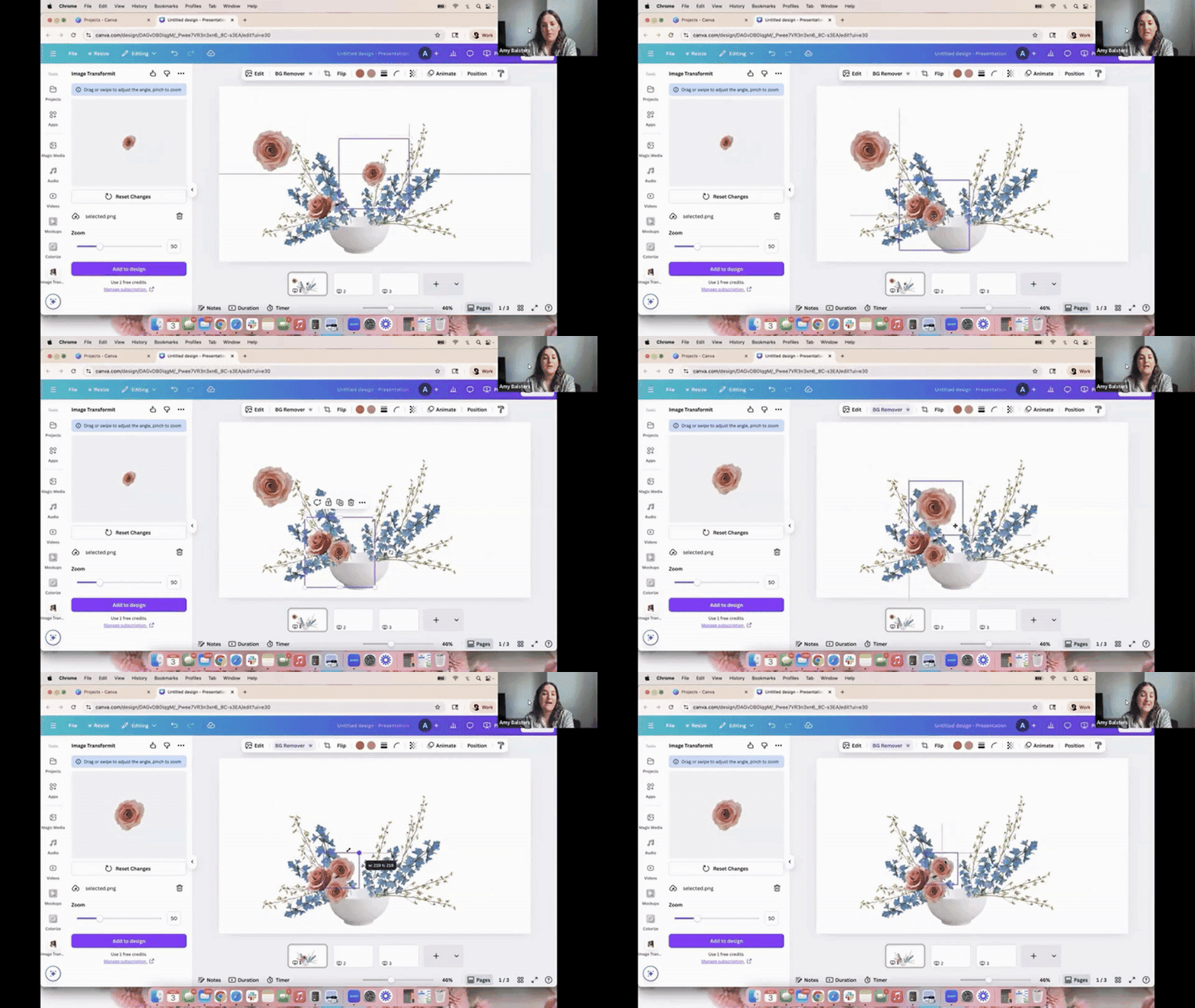
The Design Training
-
Canva for Floral Designs
6 lessons- Introduction to the Training
- Canva Basics for Floral Design
- Designing a Floral Mockup in Canva
- How to Create a Flower Library
- How to Use The Vision Board & Design Preview Template
- Templates & Inspo
